
Your guide to tournament night
Ready to play?
Pre-register before the tournament. Check in when you arrive.
Use your account for both pre-registration and check-in so we can record them for the correct player. If you are prompted to sign in, sign in to continue.
Sign in to your account →1 Before you arrive
Pre-register
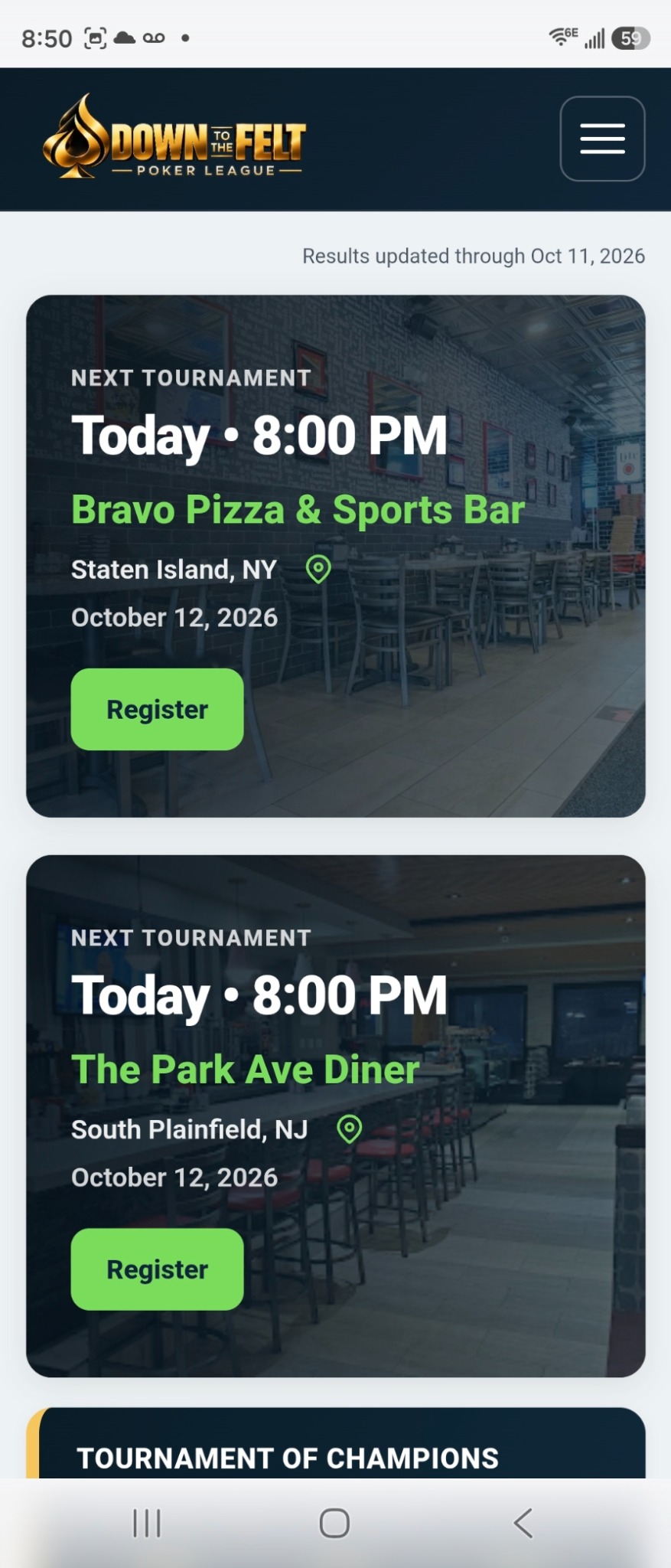
Find the tournament you plan to attend on the home page and tap Pre-Register. You can also find upcoming games on the Tournaments page.
Pre-registration helps the Tournament Director estimate attendance. Check in when you arrive to complete registration.
2 At the venue
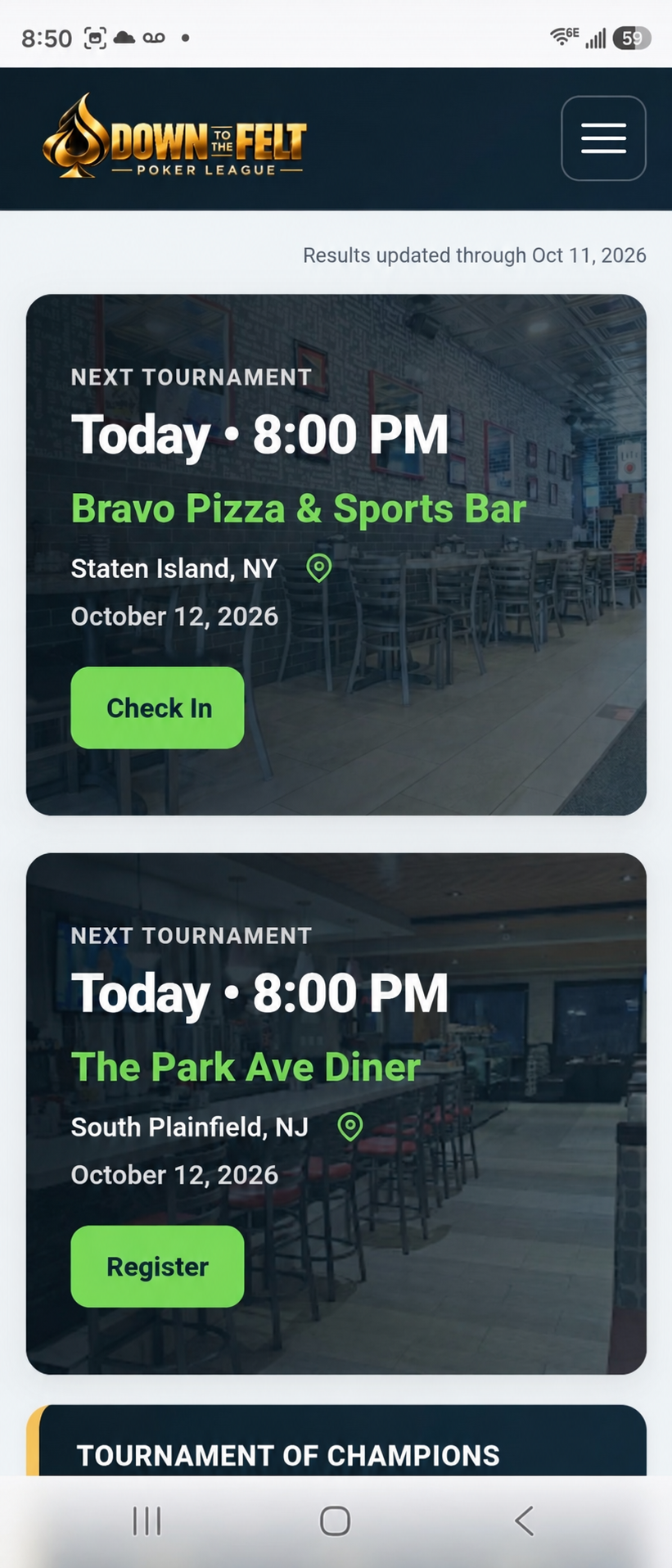
Check in with your location
When you arrive, tap Check In and allow location access when prompted. The site checks that you are within the venue's check-in area.
Prefer not to share your location? Use the QR code option instead.
Or scan the QR code
Another way to check in
Use your phone's camera to scan the rotating QR code displayed on the Tournament Director's screen, then follow the prompts to check in.
No location sharing needed. You still need to be signed in to your account.
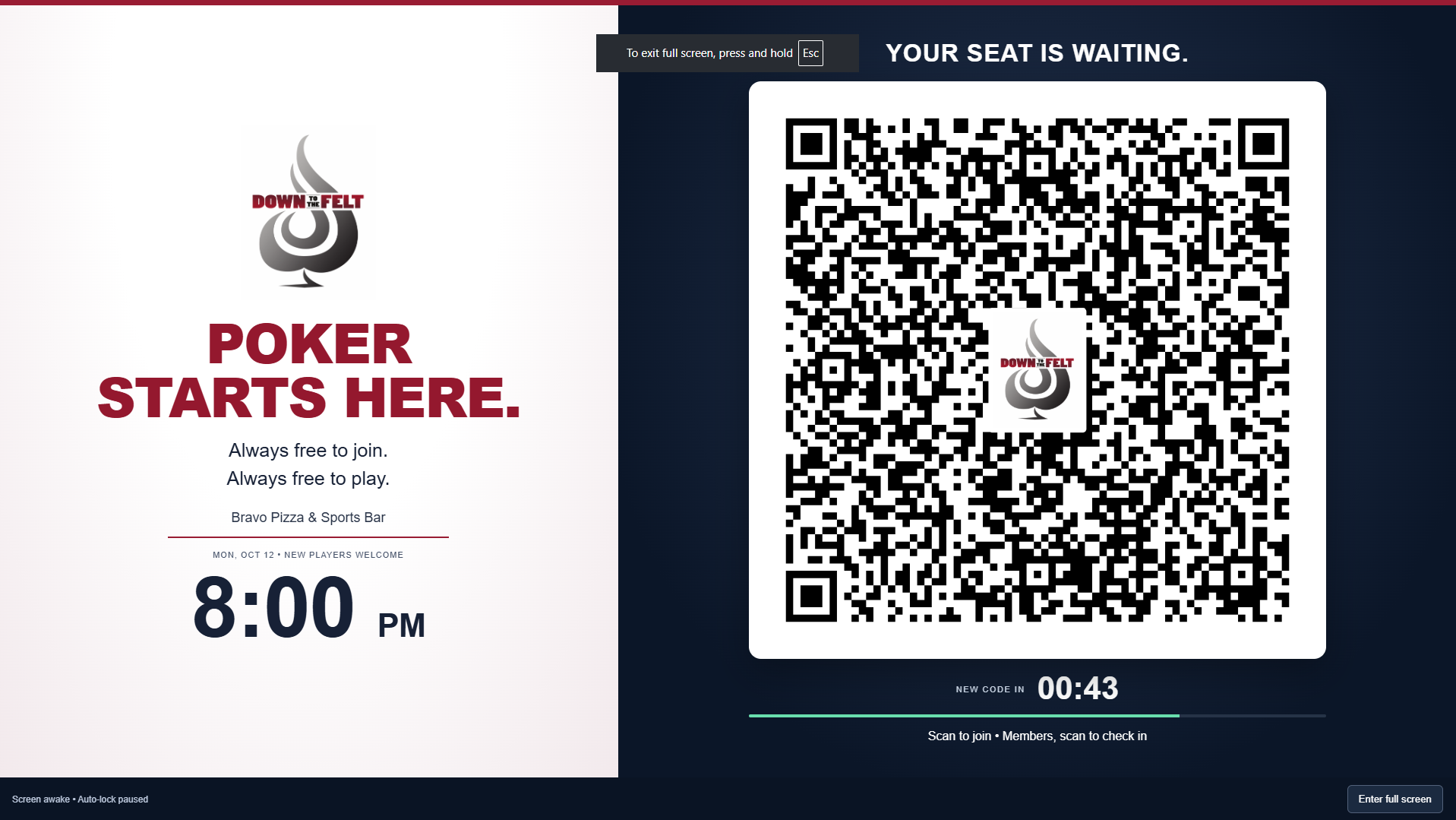
If the screen briefly says Loading, wait for the next code to appear.
Pre-register to help us plan.
Check in when you arrive to complete registration.
Need a hand?
Your Tournament Director will be happy to help. We look forward to seeing you at the tables!